Pigxel Studio: Small pixels. Wild imagination.
Create pixel art, animate sprites, and bring your ideas to life with Pigxel’s free online pixel art editor.
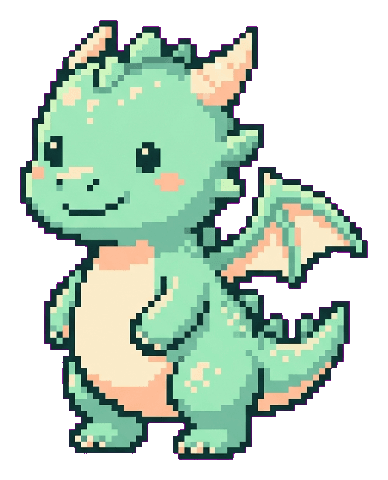
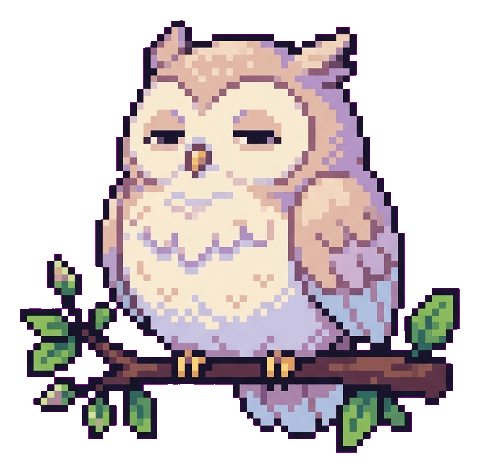

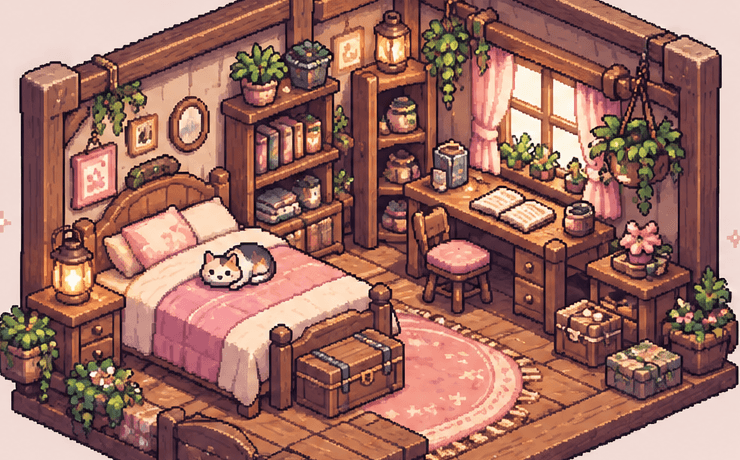
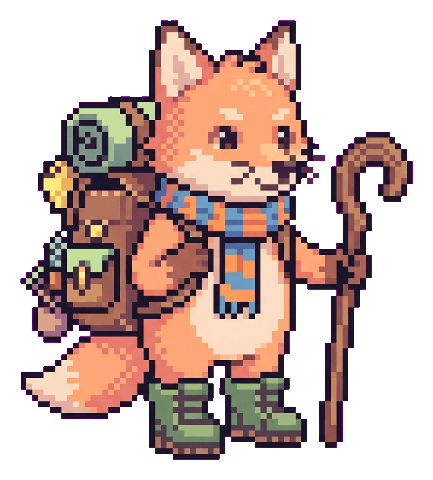
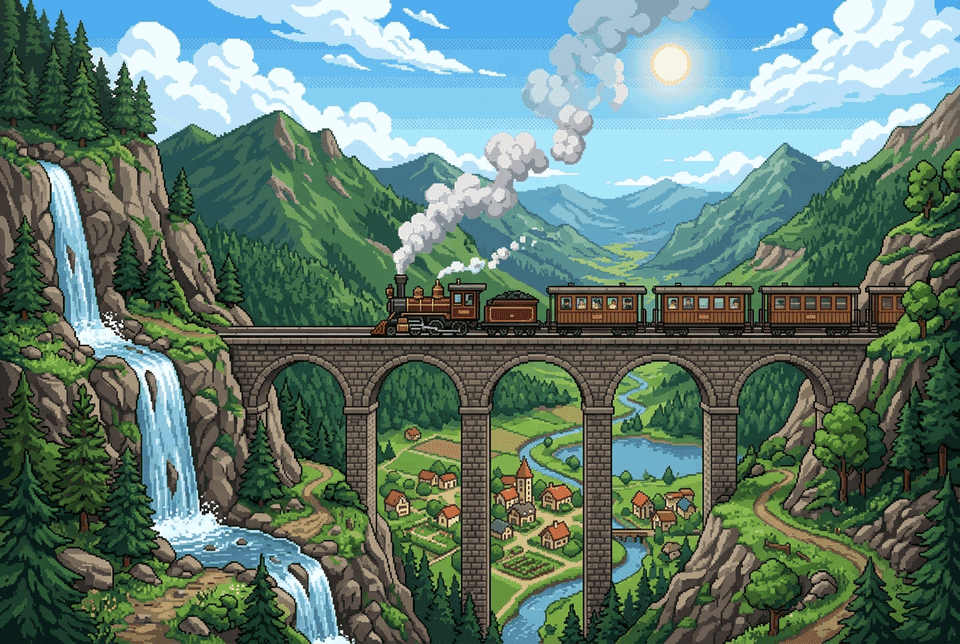
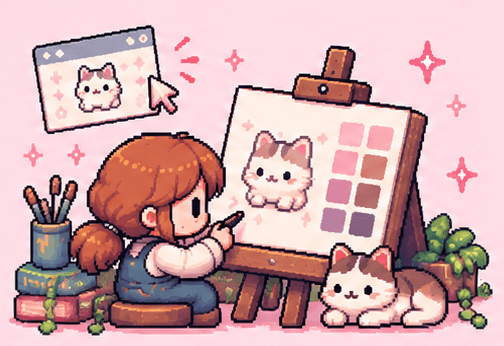

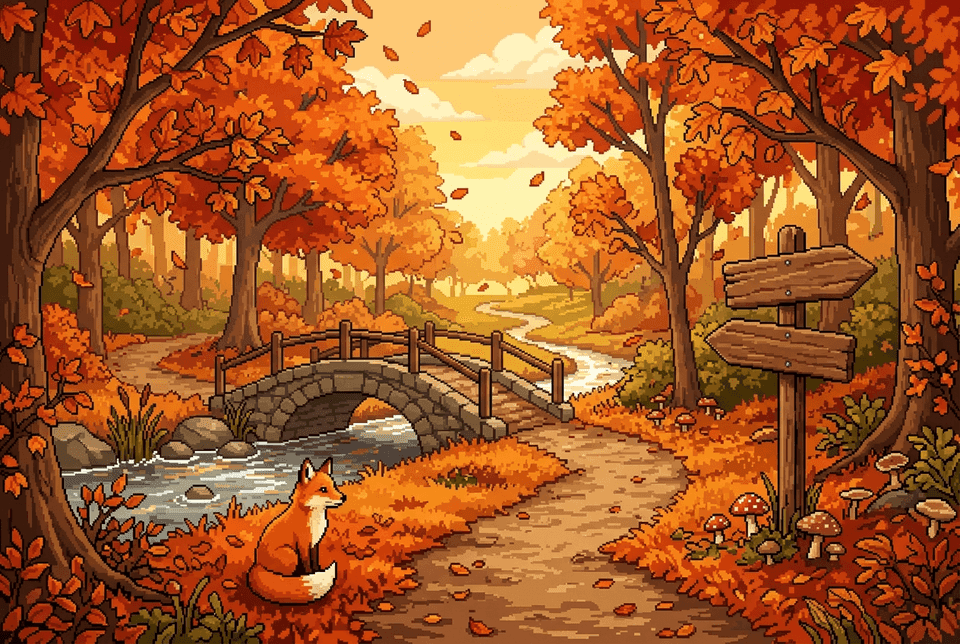

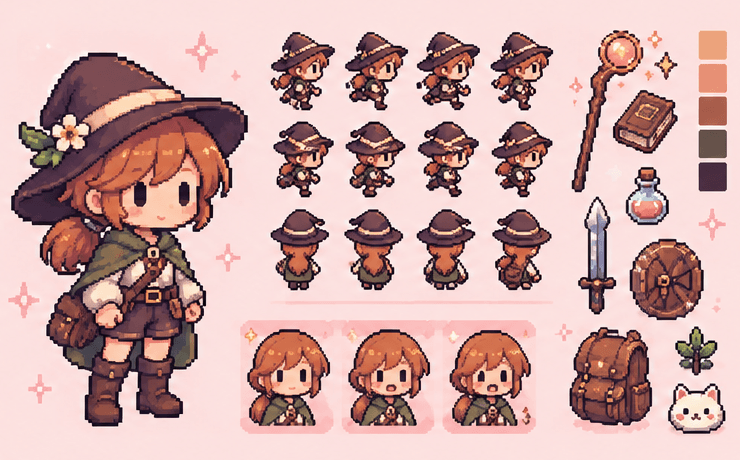
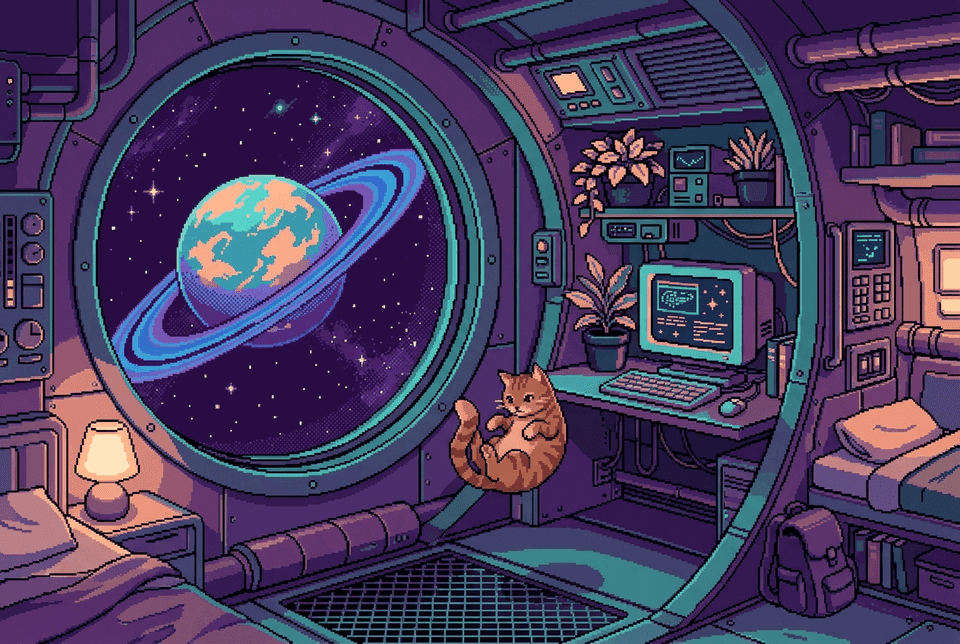
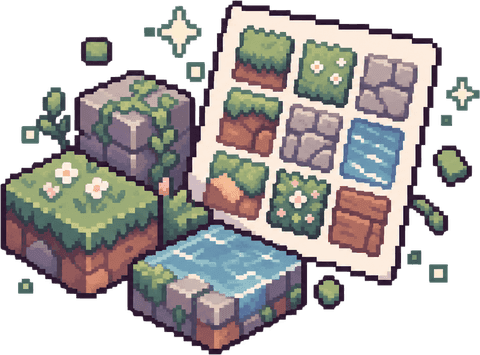
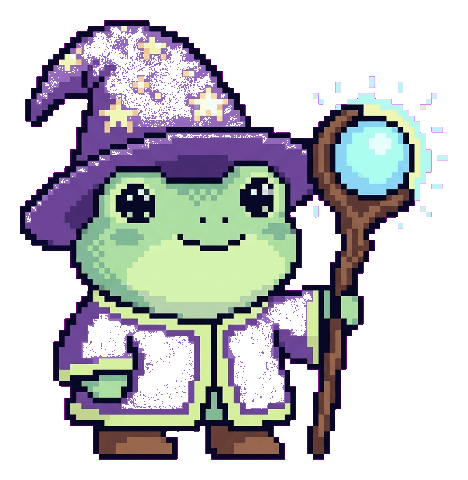


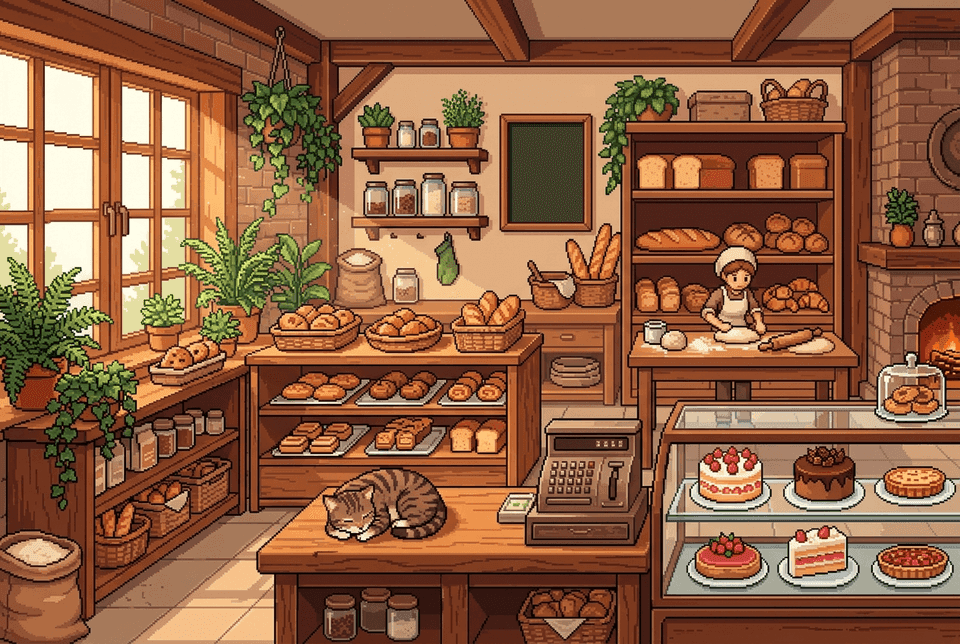

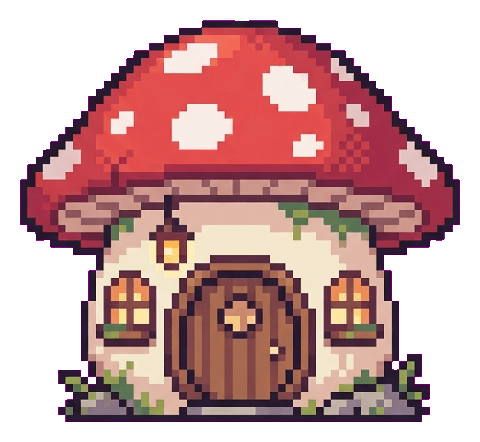
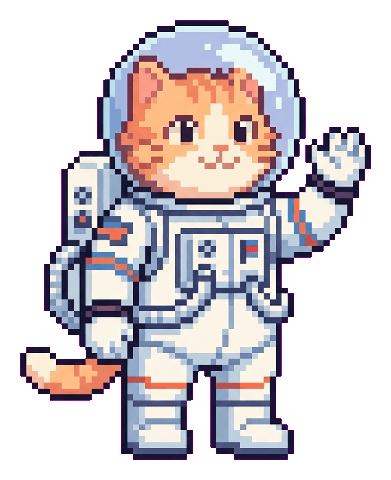


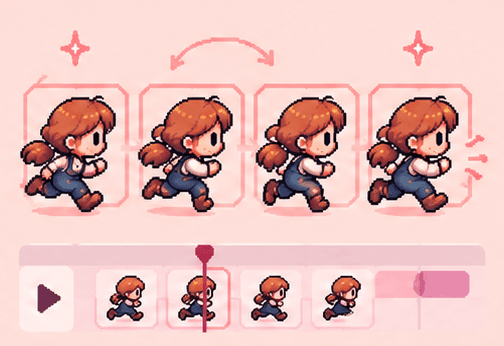
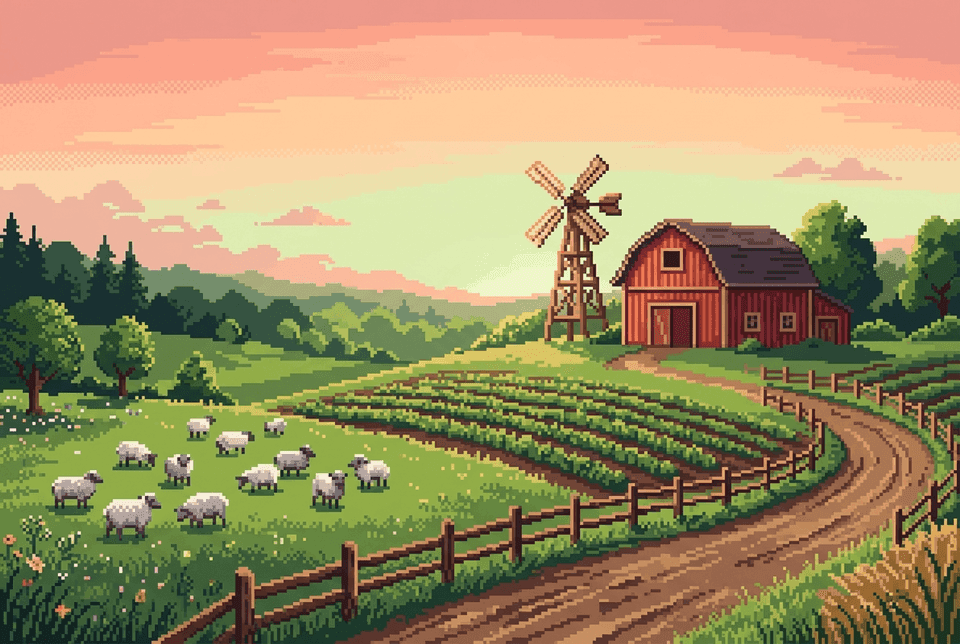

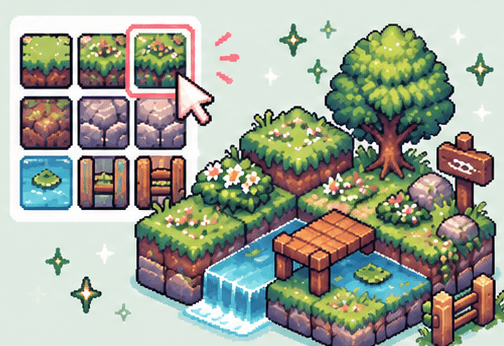

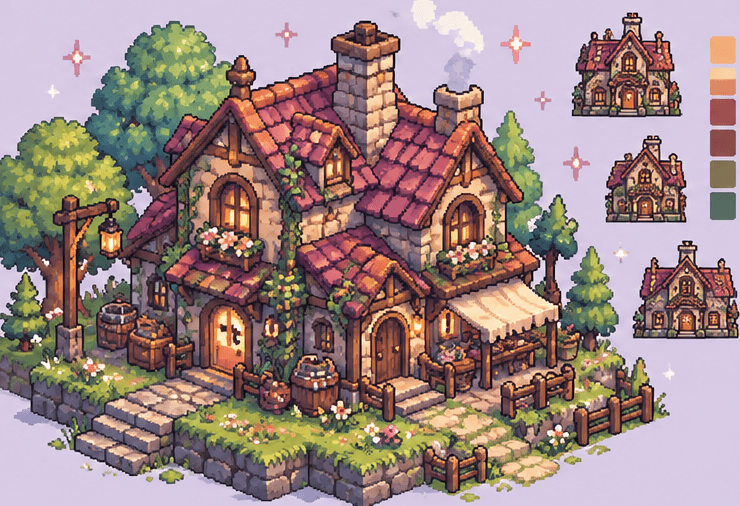

From the first doodle to finished game art
- Characters
- Tilesets
- Cozy rooms
- Game sprites
- Looping GIFs
- Icons
- Items & props
- UI & HUD
- Tiny pets
Features
Everything you need. Nothing you don’t.
Pixel art tools with a playful soul — from your first pixel to your final animated GIF.
Pens, fills, mirror drawing, layers and palettes. Every pixel lands exactly where you put it.
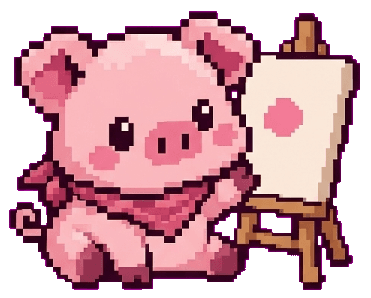
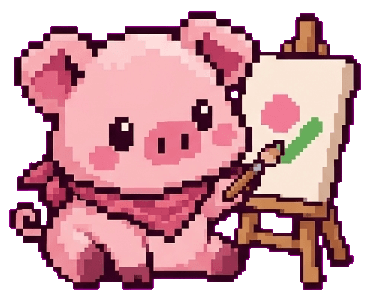
Draw: a cursor draws the Pigxel pig with mirror drawing on, fills her with the bucket and adds her eyes. Then it’s your turn to draw.


Inspiration
A few pixels. Whole other worlds.
Explore pixel art from the Pigxel community, find inspiration, and create your own little world.
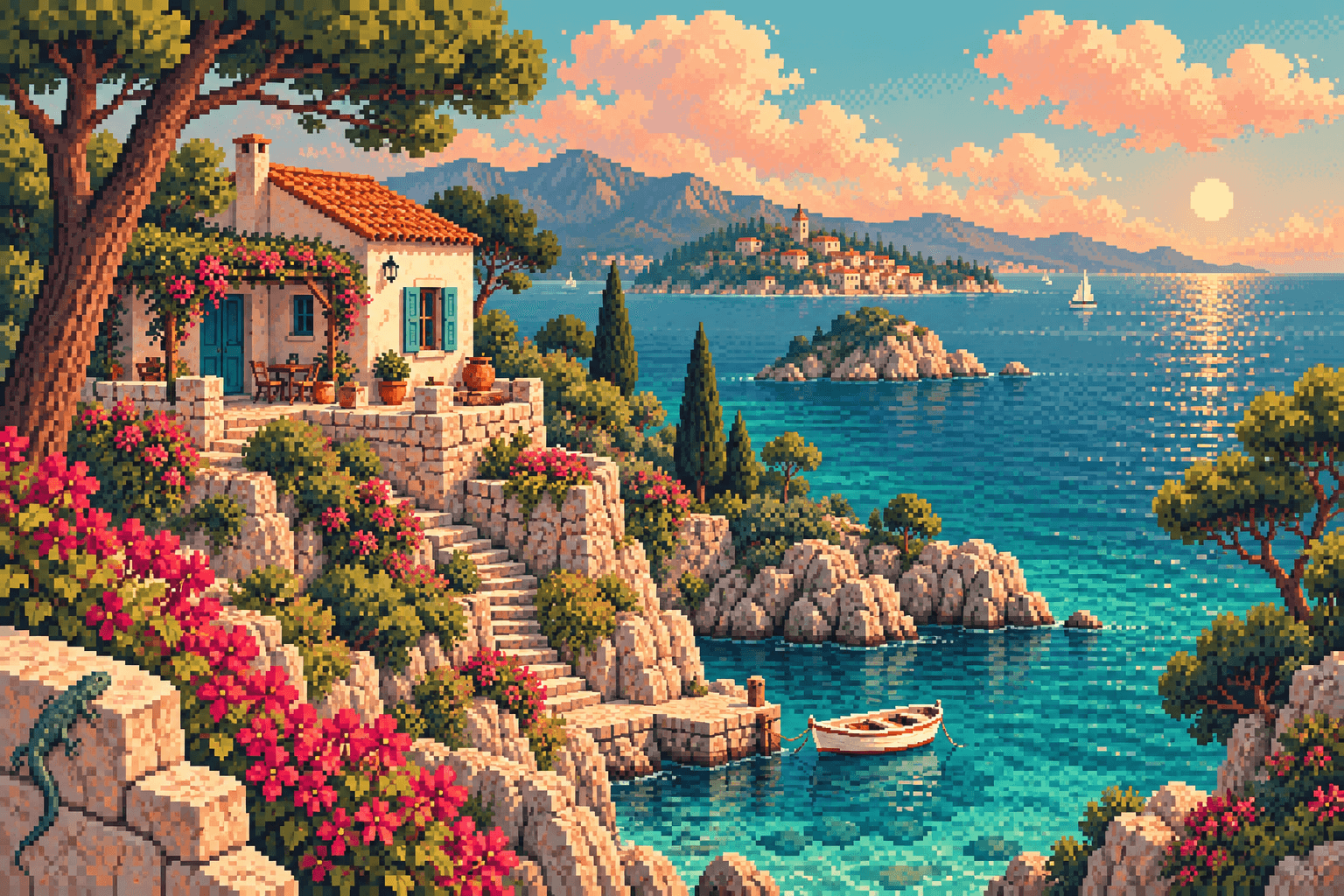 Sunlit coast AI art study
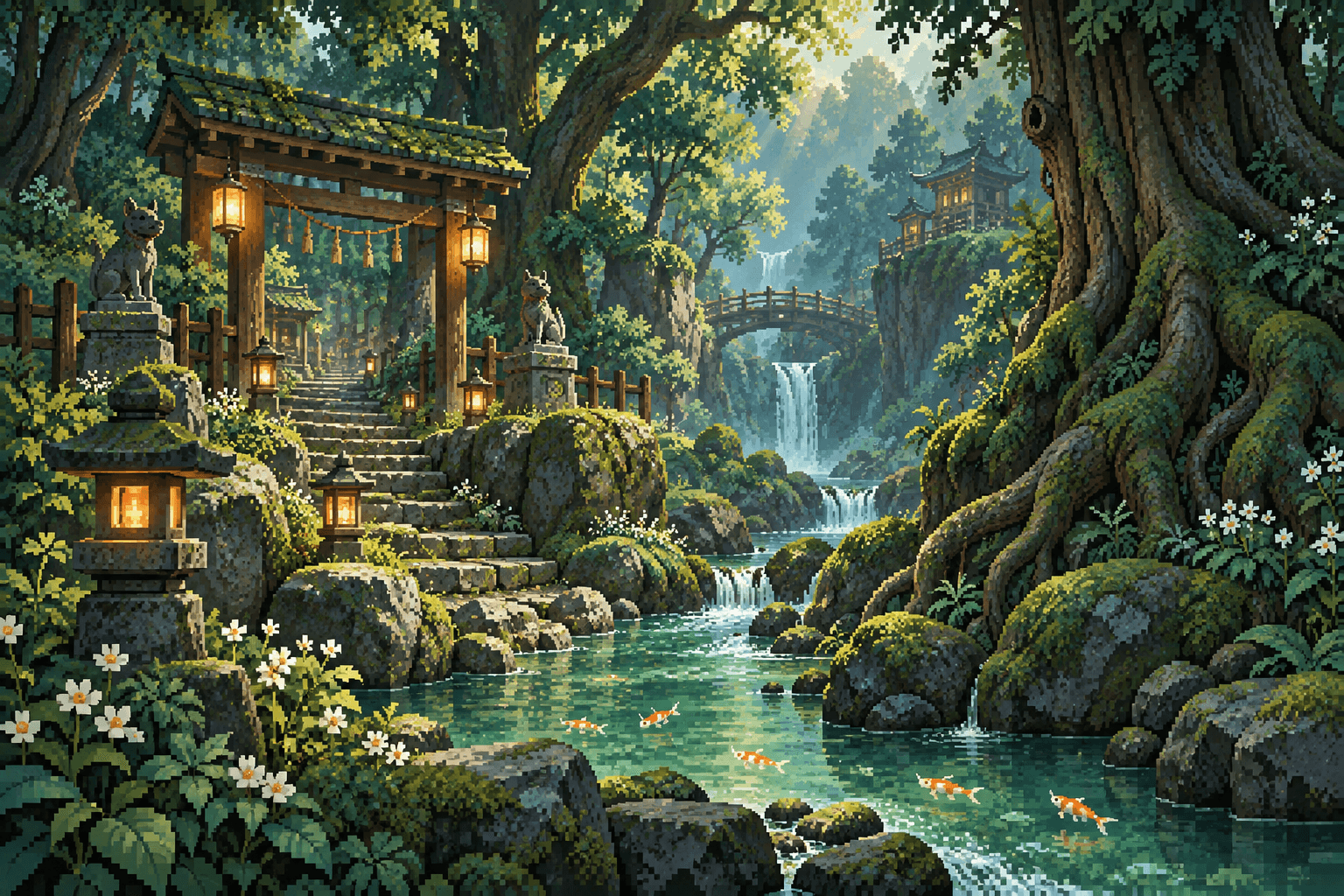 Secret shrine AI art study
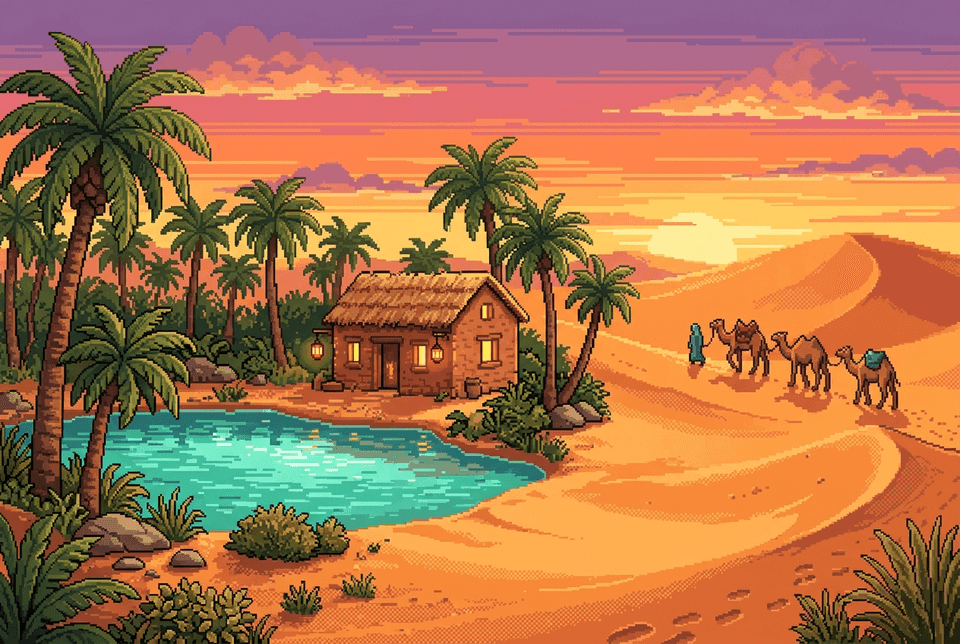 Desert oasis AI art study
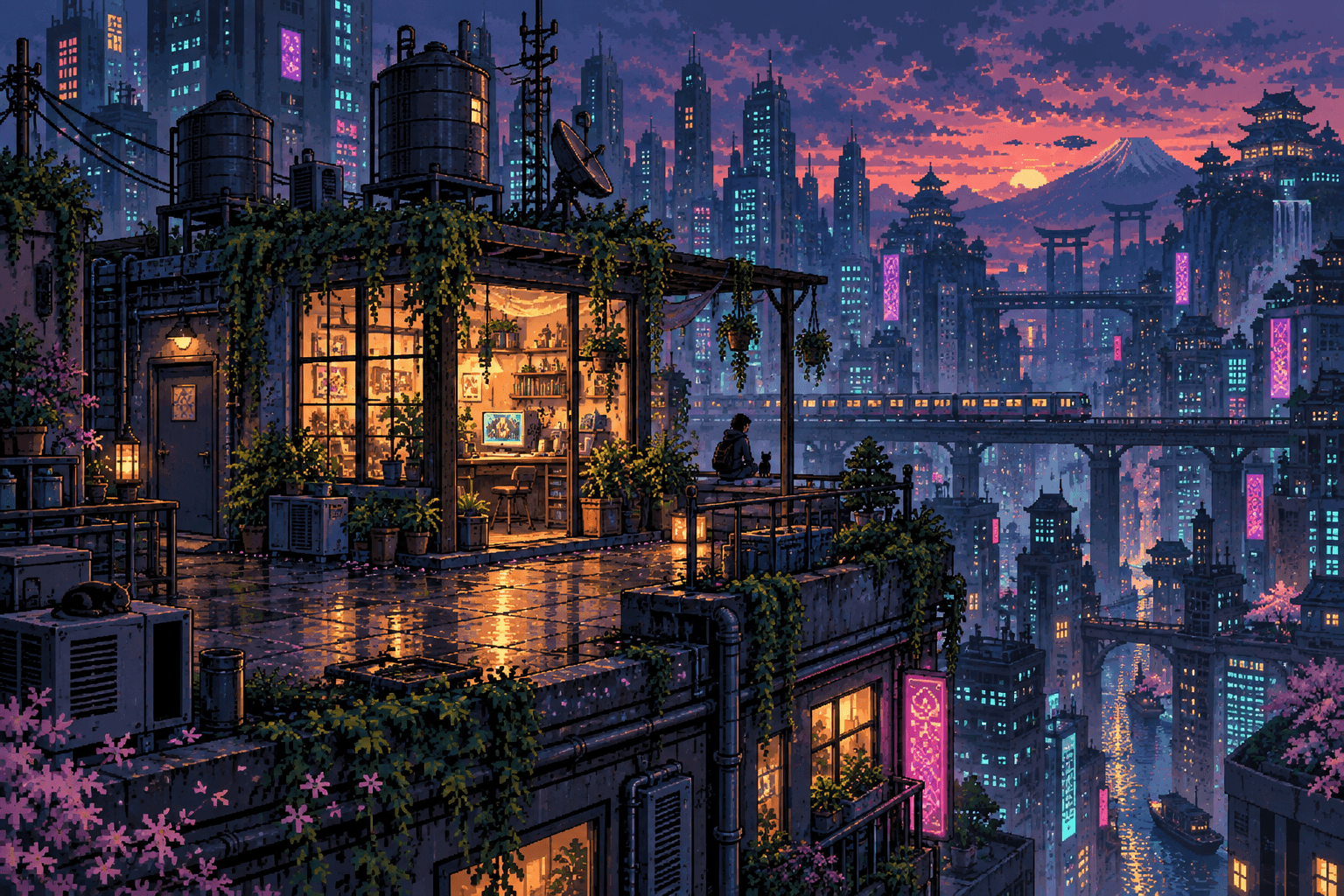 After hours AI art study
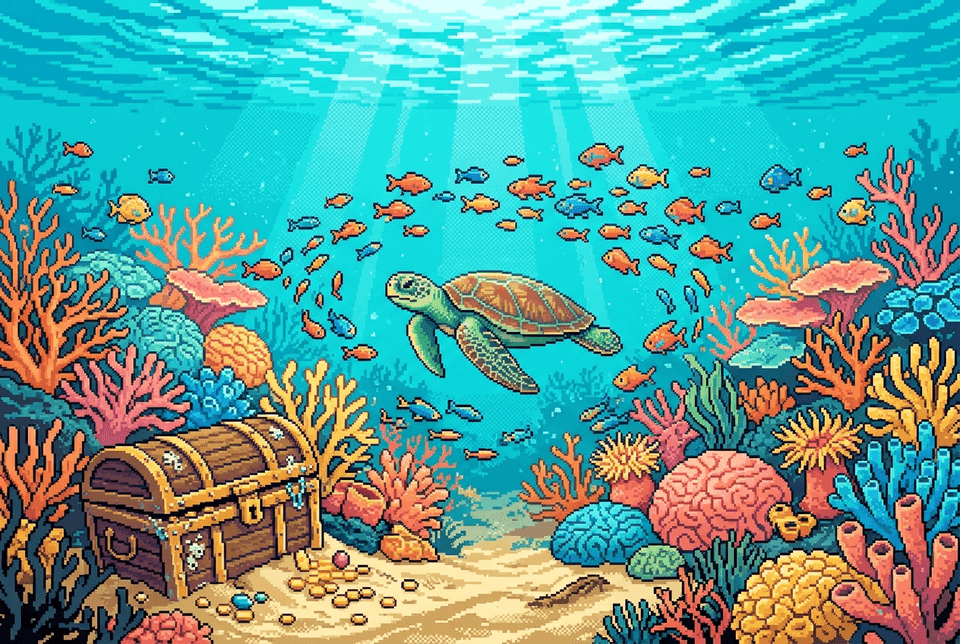 Coral reef AI art study
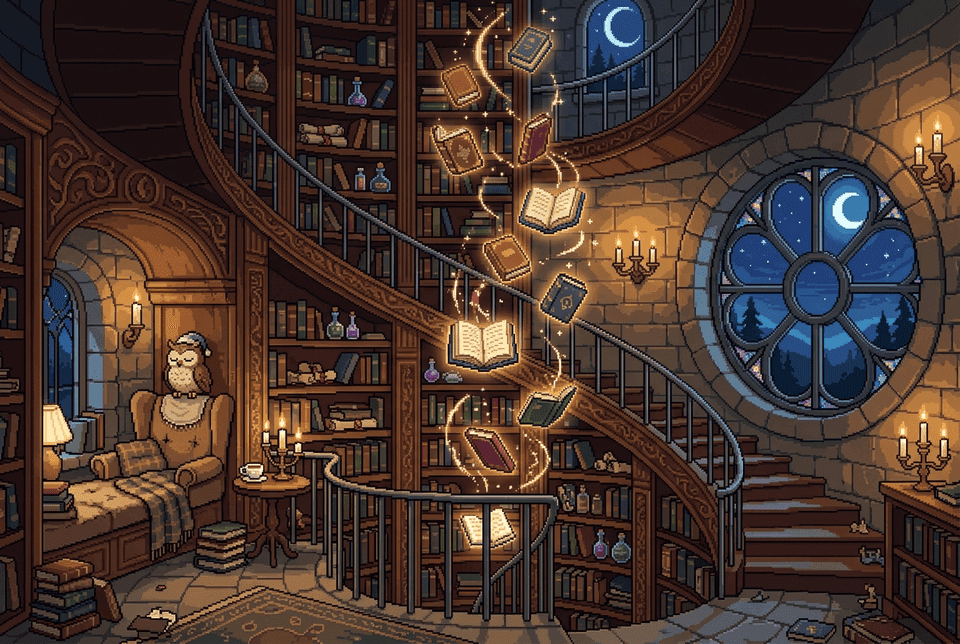 Magic library AI art study
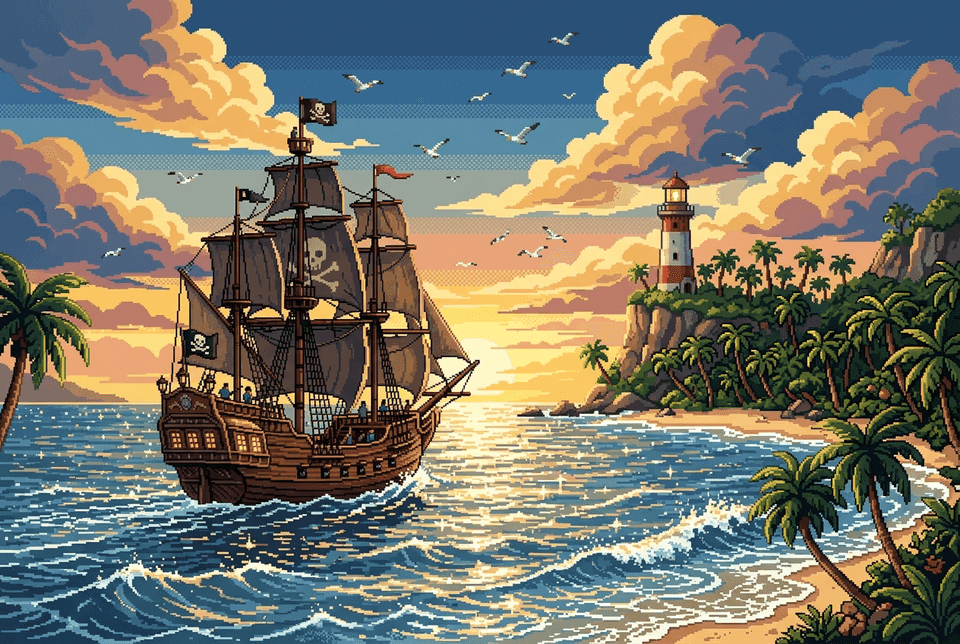 Pirate ship AI art study
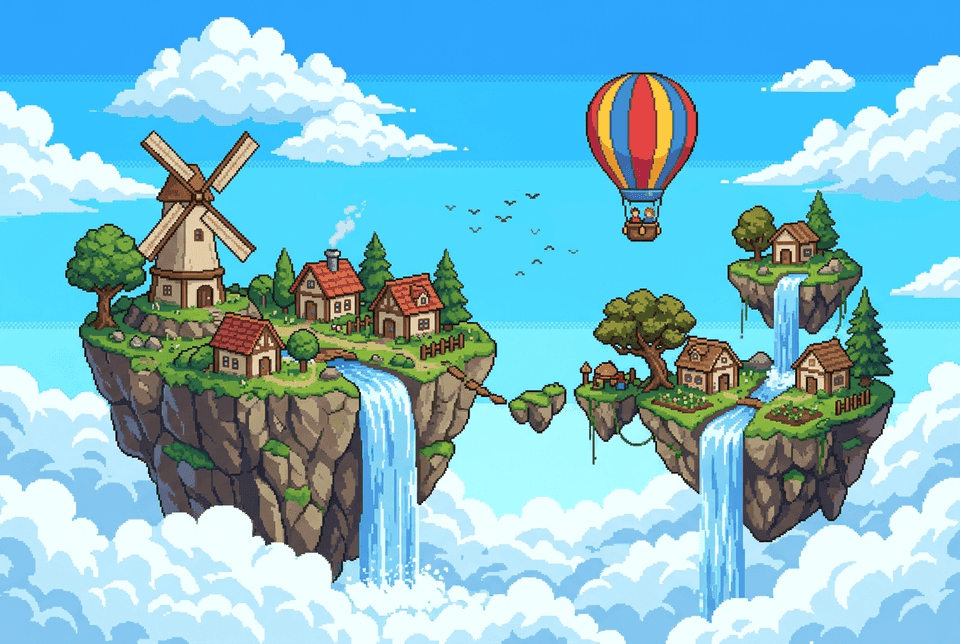
- Sky islands, a pixel-art world of floating islands with a windmill and waterfalls, where the Pigxel pig stands on a tiny floating rock. AI art study.
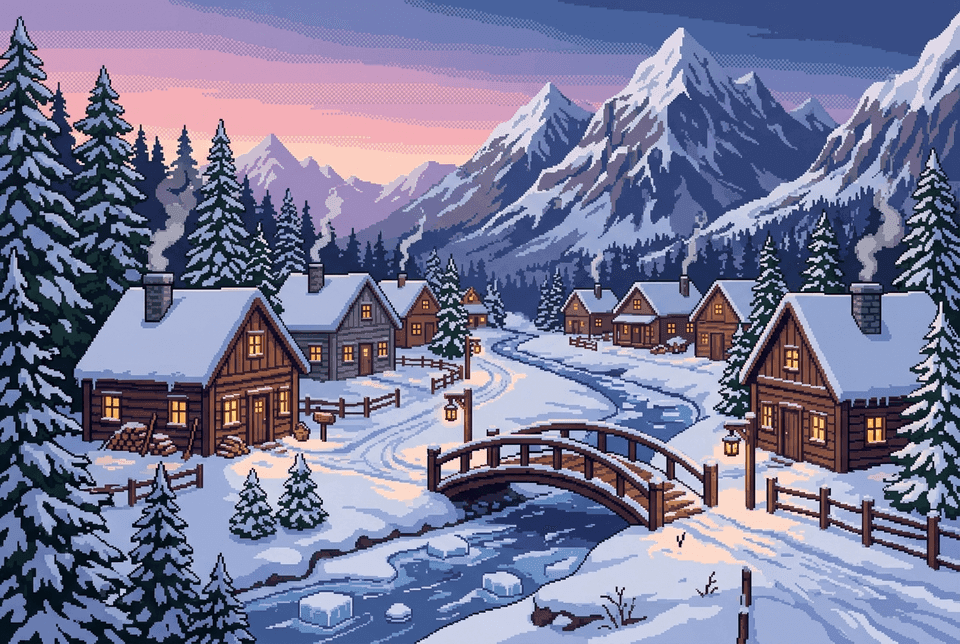 Snowy village AI art study
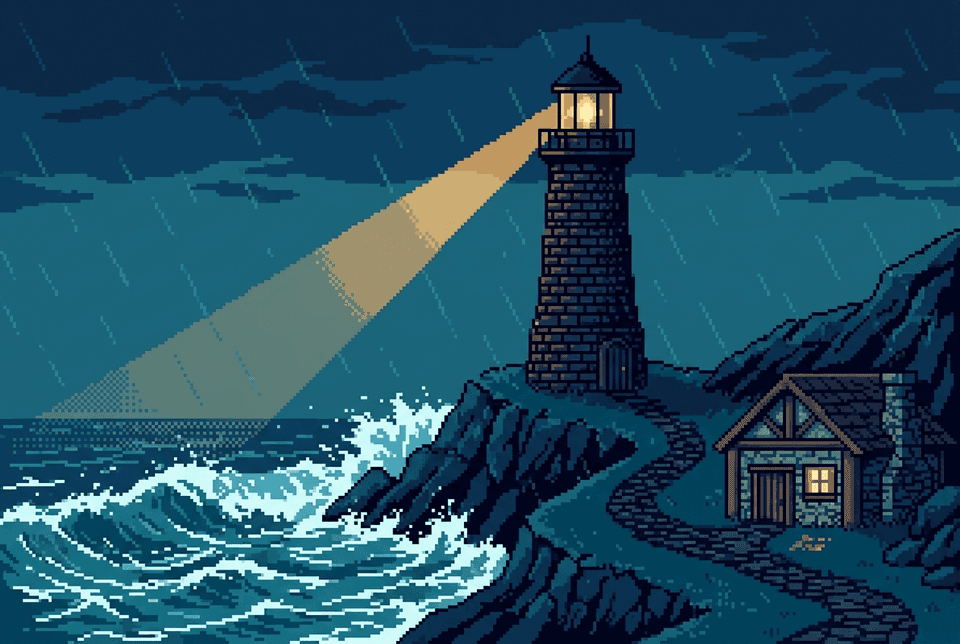 Stormy lighthouse AI art study
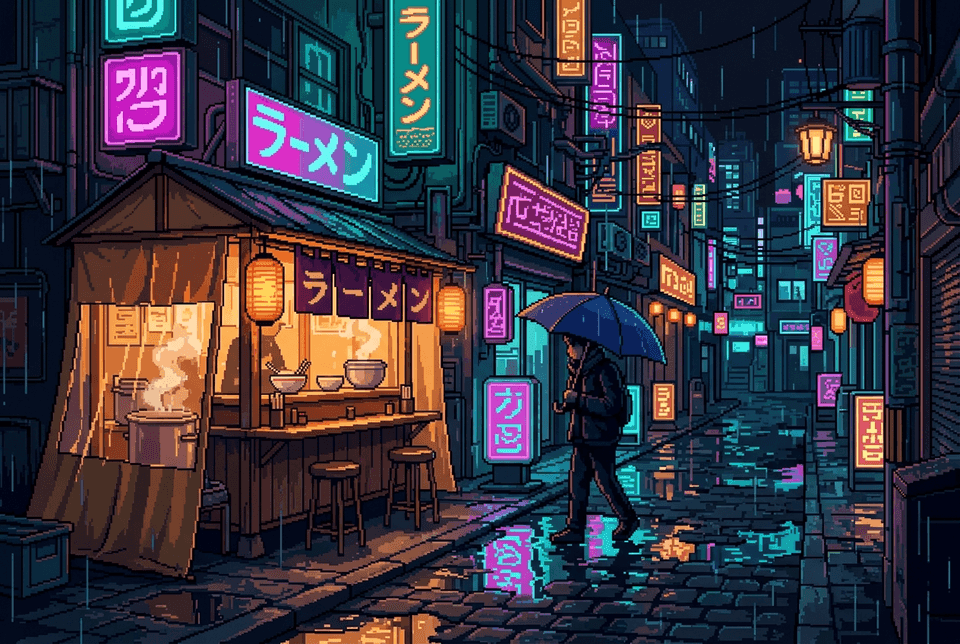 Rainy ramen stand AI art study
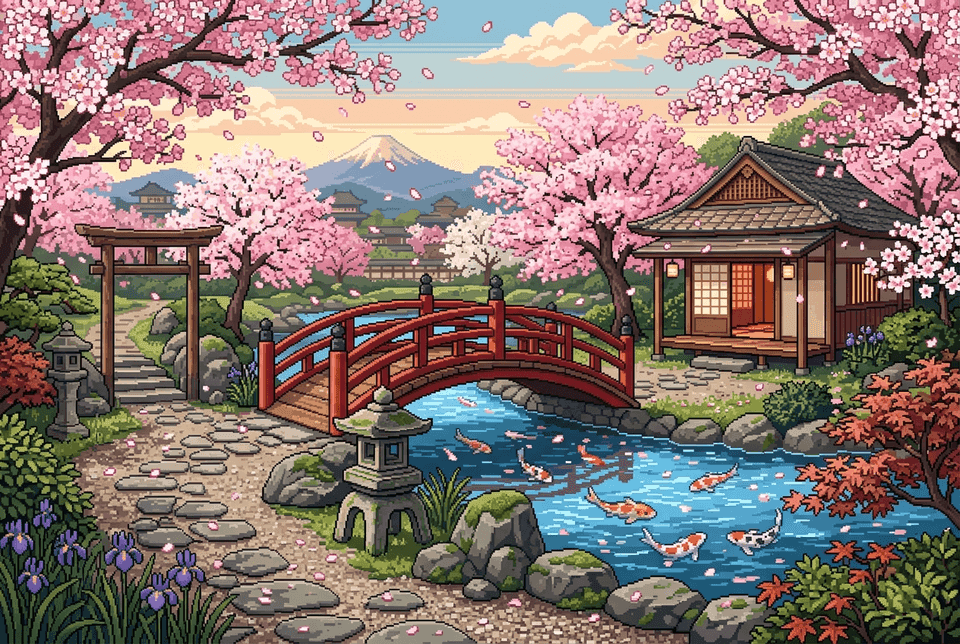 Spring garden AI art study
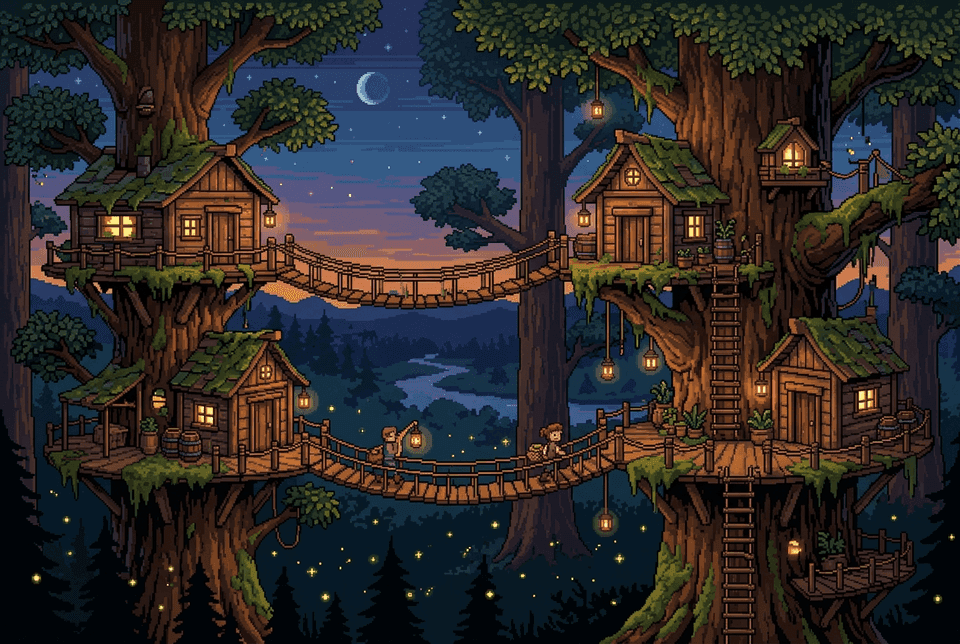 Treehouse village AI art study
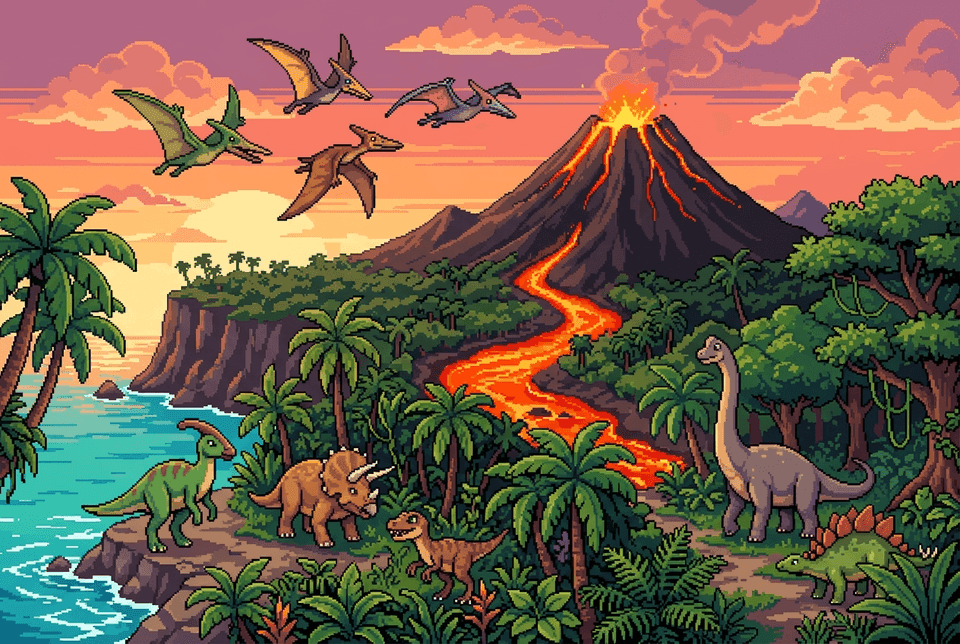 Volcano island AI art study
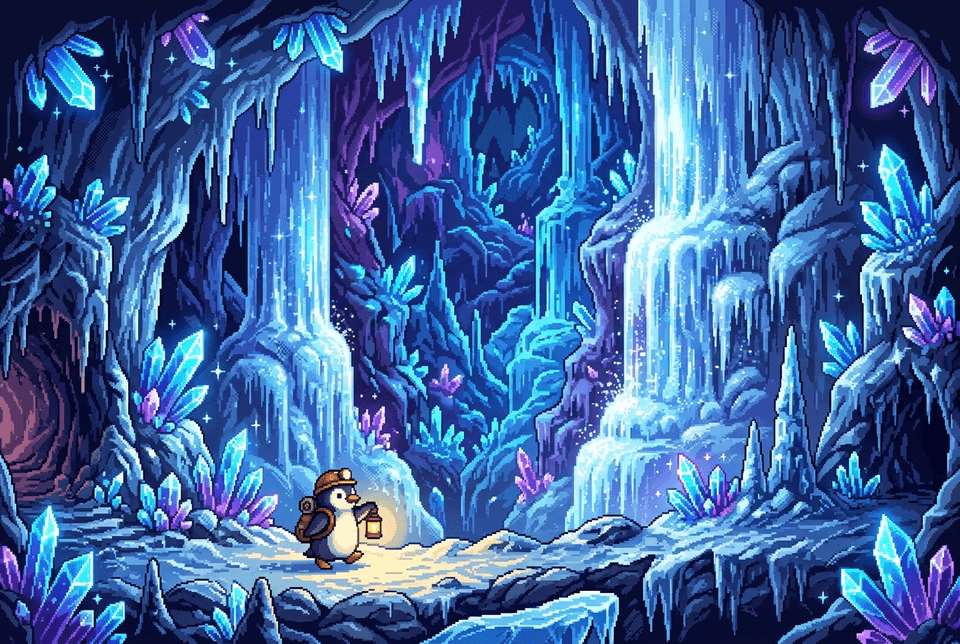 Ice cave AI art study
Is Pigxel free?
Yes. Pigxel is a free online pixel art editor with drawing tools, layers, animation frames, and export included. Store up to 5 artworks in Pigxel Cloud. Paid plans add the AI helper, more cloud storage, and premium assets and tutorials.
Do I need to install anything?
No. Pigxel runs in your browser, so you can sign up and start drawing straight away.
Where is my art saved?
In Pigxel cloud, where every change saves itself and you can open your art from any device. You can also download any tile as a .pigxel file.
How does Pigxel use my Google account?
You can sign in to Pigxel with Google; we use your name, email and profile picture to create your account, and nothing else from your Google account. See the Privacy Policy for details.
What can I export?
Export your pixel art as PNG or JPEG images; animations as GIF, animated PNG, WebP, or PNG sequences; and sprite sheets and slices with optional Aseprite-compatible JSON for game engines. You can also export a timelapse video of your drawing process.
What happens to my art if I stop paying?
It stays yours. You keep every tile and can still open, edit and export it on the Free plan.

No big plan required
Make a little something.
A tiny world. A silly character. Something only you could make.